opencode 安装教程:Homebrew 官方源与清华镜像源(国内加速)


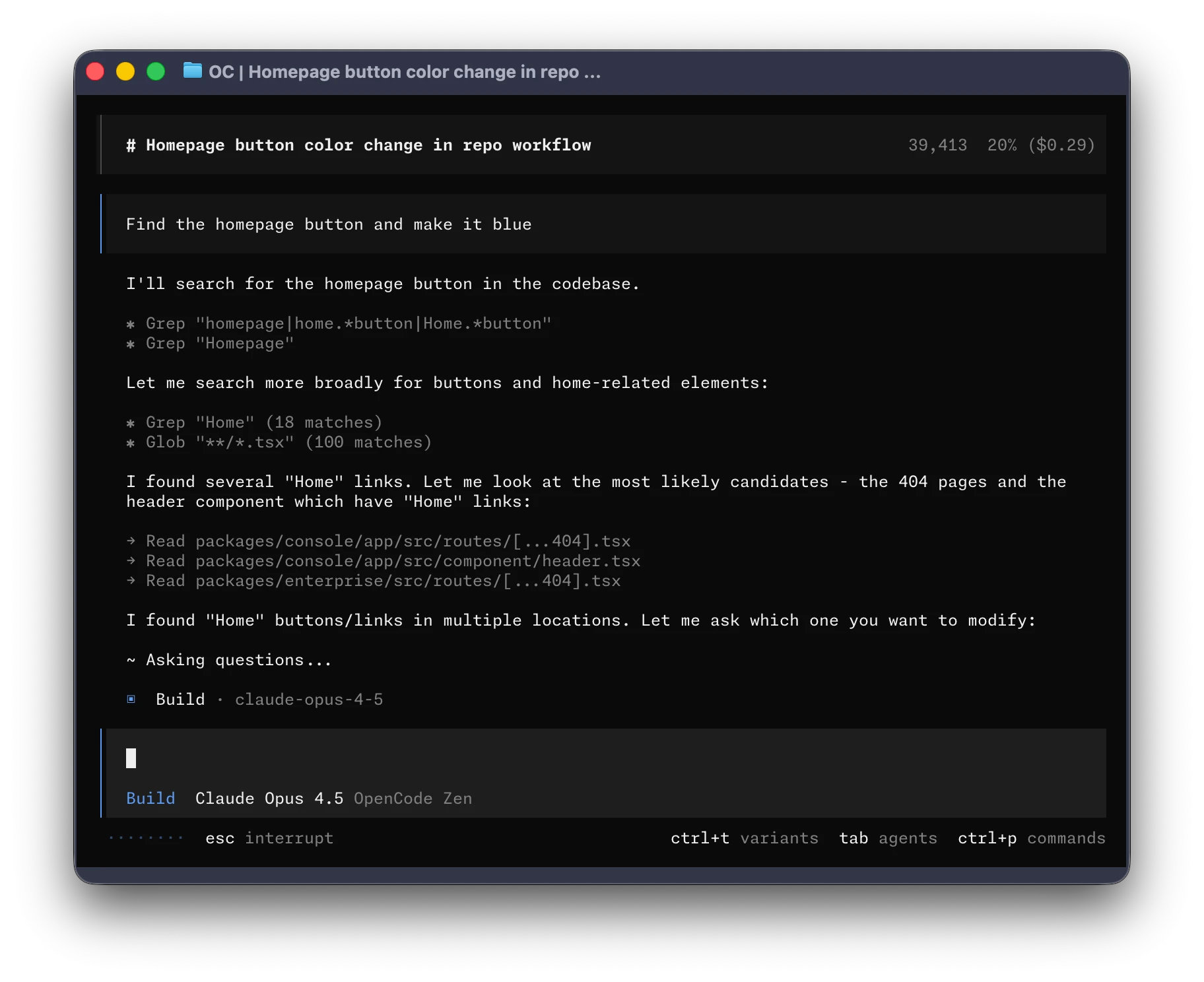
opencode是一款开源的AI编程工具,跑在终端里,支持OpenAI、Anthropic、Gemini等主流模型,有TUI界面也可以当命令行工具用。项目在github.com/anomalyco/opencode,官方文档在opencode.ai/docs,官网是opencode.ai。
安装Homebrew
没装Homebrew的话先装:
/bin/bash -c "$(curl -fsSL https://raw.githubusercontent.com/Homebrew/install/HEAD/install.sh)"官方源安装
opencode官方维护了一个Homebrew tap,版本更新最快:
brew install anomalyco/tap/opencode更想用Homebrew官方仓库里的版本(更新慢一些但更稳定)的话,直接:
brew install opencode用npm装也可以:
npm install -g opencode-ai国内源安装(清华镜像)
国内从GitHub拉东西慢,可以用清华的镜像,官方说明在mirrors.tuna.tsinghua.edu.cn/help/homebrew/。
还没装Homebrew的,先设好环境变量再跑官方脚本,brew本体和homebrew-core都会从清华镜像克隆:
export HOMEBREW_BREW_GIT_REMOTE="https://mirrors.tuna.tsinghua.edu.cn/git/homebrew/brew.git"
export HOMEBREW_CORE_GIT_REMOTE="https://mirrors.tuna.tsinghua.edu.cn/git/homebrew/homebrew-core.git"
export HOMEBREW_BOTTLE_DOMAIN="https://mirrors.tuna.tsinghua.edu.cn/homebrew-bottles"
export HOMEBREW_API_DOMAIN="https://mirrors.tuna.tsinghua.edu.cn/homebrew-bottles/api"

/bin/bash -c "$(curl -fsSL https://raw.githubusercontent.com/Homebrew/install/HEAD/install.sh)"
已经装好Homebrew的,把git远程地址换成清华镜像:
git -C "(brew --repo)" remote set-url origin https://mirrors.tuna.tsinghua.edu.cn/git/homebrew/brew.git
git -C "(brew --repo homebrew/core)" remote set-url origin https://mirrors.tuna.tsinghua.edu.cn/git/homebrew/homebrew-core.git
用cask的话也换一下:
git -C "$(brew --repo homebrew/cask)" remote set-url origin https://mirrors.tuna.tsinghua.edu.cn/git/homebrew/homebrew-cask.git再设一下bottle和API的镜像:
export HOMEBREW_BOTTLE_DOMAIN="https://mirrors.tuna.tsinghua.edu.cn/homebrew-bottles"
export HOMEBREW_API_DOMAIN="https://mirrors.tuna.tsinghua.edu.cn/homebrew-bottles/api"想长期生效就把这两个export写进~/.zshrc(或~/.bash_profile),然后brew update验证。
清华镜像同步了homebrew-core里opencode的formula和bottle,直接装官方版本就行:
brew install opencode注意anomalyco/tap/opencode是第三方tap,镜像不代理它的bottle,装了还是要回GitHub拉,国内建议用brew install opencode。
验证和首次使用
opencode --version在项目目录里运行:
cd 你的项目目录
opencode在界面里执行/connect,选一个提供商登录并填API Key就能用了。详细用法看官方文档。
总结
opencode安装很简单,brew或npm二选一。国内用户建议配合清华镜像用brew install opencode,速度快很多。